Buying guide / 02
Best UV DTF Printers for Small Business
Compare a dedicated UV DTF printer, outsourced transfers and a compatible flatbed with lamination.
By The UV Print Guide · Updated · How we compare equipment
Choose a production route
| Route | Equipment commitment | Before you choose |
|---|---|---|
| Outsourced transfers | Buy printed sheets and apply them | Compare sheet utilization, delivery and application labor |
| Compatible flatbed with lamination | Printer plus supported film and laminator | Confirm every required accessory and material |
| Dedicated UV DTF | Dedicated print/lamination setup | Budget maintenance, repeat orders and downtime backup |
Choose a production route
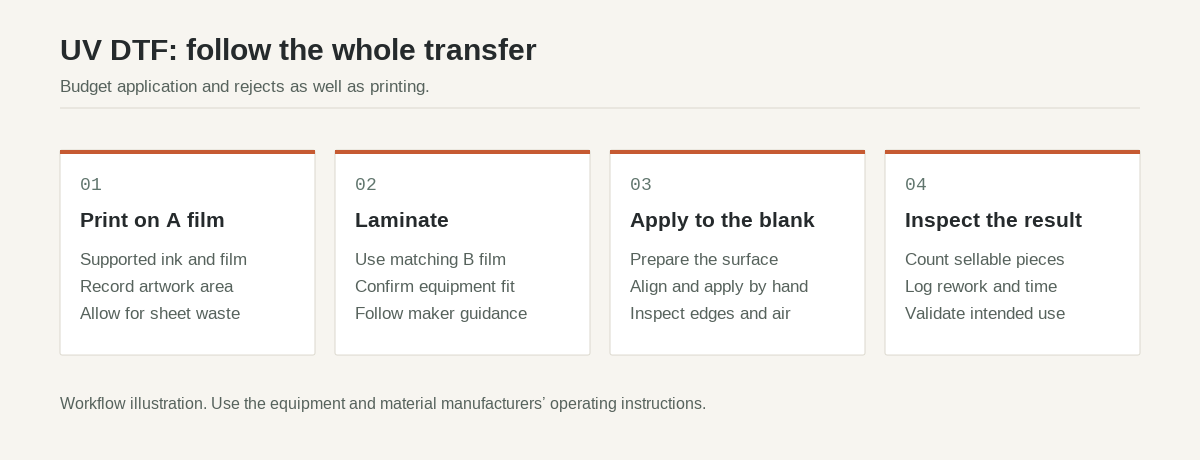
UV DTF puts a design onto film for transfer onto a compatible hard surface. Start with outsourced sheets if you need to validate a new product, run short orders or offer a wide variety of artwork. Track sheet utilization and repeatability before buying equipment.
When a dedicated machine makes sense
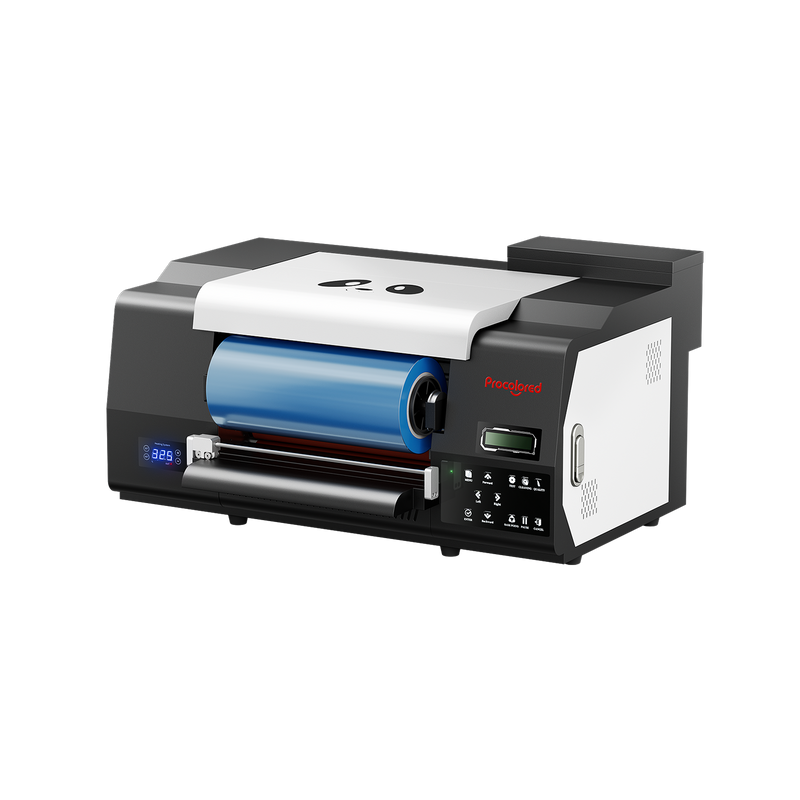
The VF13 Pro combines printing and lamination, which suits a shop that expects recurring orders for transfers. Price both films, UV DTF ink, varnish, cleaning, bench or stand space and hands-on application. A printer’s output speed covers one part of the finished job.
When to add lamination to a UV setup
A compatible flatbed plus the manufacturer’s film and laminator can serve a shop that mainly prints directly but wants to add transfers. Compare accessory fit and useful film area. If you switch workflows repeatedly, record the time and material used for changeovers.
Buy vs outsource
Use the worksheet below to compare an outsourced transfer with an in-house transfer at 50, 200 and 500 sellable pieces a month. Replace every example input with your own quote. The variables apply to the printed transfer; add blank, application and delivery costs if they differ between routes.
Confirm materials and application
Film designed for UV DTF and film designed for apparel DTF serve different workflows. Request a sample on your actual blank and test handling and adhesion under the conditions in which customers will use it. Follow the equipment and material maker’s instructions.
What belongs in the per-transfer cost
Include the printed A-film area, B film, ink and varnish, cleaning allocation and transfers lost to misprints or placement errors. Add the time to trim and apply each transfer. Keep blank cost separate when comparing suppliers because an outsourced transfer quote usually does not include the object you will decorate. Use the same artwork dimensions and finish for every quote.
Read the break-even example correctly
The worksheet starts with illustrative monthly fixed costs of $180, in-house variable cost of $0.65 per transfer and outsourcing at $1.75. Break-even is $180 / ($1.75 - $0.65), or 164 whole sellable transfers per month after rounding up. This example assumes the two variable costs cover the same work. Add differences in application labor, shipping, sheet waste and quality before applying it to your business.
What changes the outsourcing decision
A few large recurring designs can use film differently from many small one-off graphics. Track usable artwork per purchased sheet, minimum order charges, delivery time and the number of sheets you hold in stock. In-house production also needs cleaning time and a plan for downtime. Keep a transfer supplier as a separately priced backup when delivery commitments depend on one machine.
Check the film and lamination package
On the VF13 Pro product page, Procolored describes printing and lamination in one machine. Confirm the selected package, compatible film, ink, varnish, software and any stand before ordering. A flatbed route has a different equipment list: verify that its manufacturer supports the film workflow, then price the required laminator. Do not assume an apparel DTF film or curing process belongs in a UV DTF setup.
Choose equipment for your next order
We may earn a commission through purchase links on these product pages. Compare the workflow and required supplies before ordering.
Recurring hard-goods transfers
Compare the dedicated VF13 Pro for repeat UV DTF orders. Include A/B film, application labor and rejects in your costs.
Compare Procolored VF13 Pro and purchase options →| Monthly sellable transfers | In-house per piece (example) | Outsourced per piece (example) |
|---|---|---|
| 50 | $4.25 | $1.75 |
| 200 | $1.55 | $1.75 |
| 500 | $1.01 | $1.75 |
Equipment to compare
A dedicated print-and-laminate machine for recurring transfer orders.
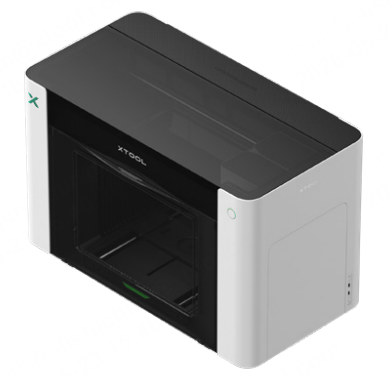
Three versions for shops deciding whether to add specialty UV effects or a separate fabric workflow.

A desktop starting point for textured flat goods, with optional workflows for cylindrical pieces and transfers.