Process guide / 05
UV DTF vs DTF
Choose a transfer workflow for hard goods or garments.
By The UV Print Guide · Updated · How we compare equipment
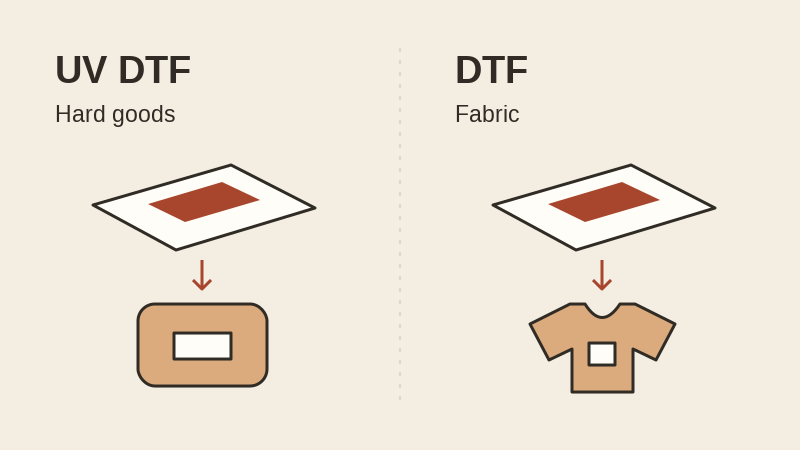
Choose by the finished product
| Question | UV DTF | Apparel DTF |
|---|---|---|
| Intended purchase task | Decorating compatible hard goods | Decorating supported garments |
| Workflow to verify | Film printing, lamination and hand application | Transfer production, curing and heat application |
| Required supplier instructions | Surface preparation and application | Fabric compatibility and heat-press settings |
| What to validate | Adhesion, edges, handling and service conditions | Application, fabric behavior and care instructions |
The substrate makes the choice
UV DTF uses a film-and-laminate process for compatible hard goods. Apparel DTF uses a textile transfer process and heat application. Before buying film or ink, identify the machine, intended substrate and exact process supported by the manufacturer.
Compare the complete workflow
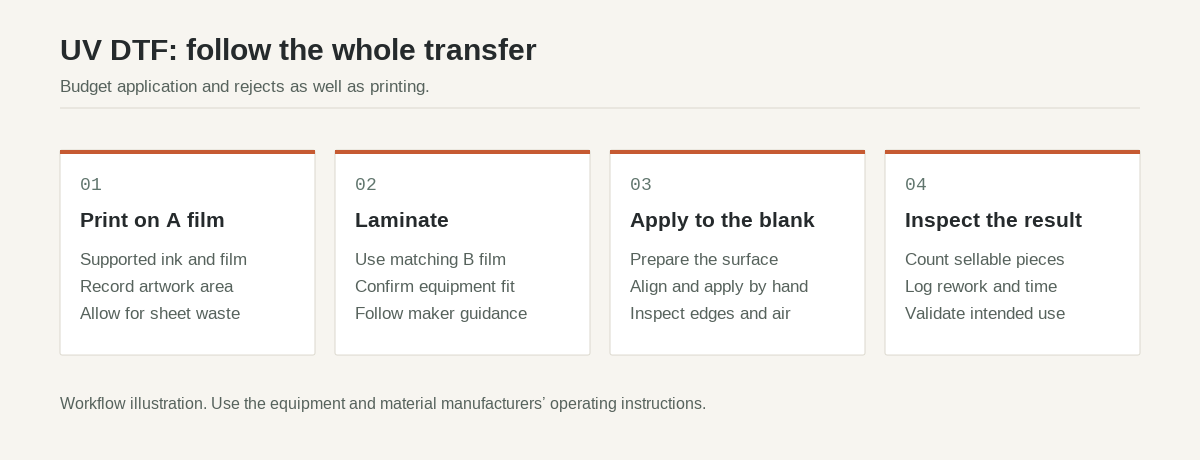
For UV DTF, plan for A/B film, the applicable lamination step and hand application. For apparel DTF, verify printer, film, curing and heat-press requirements. On a multi-process machine, check which version and accessories support your order.
Prototype before buying
Order samples or run a few blanks. Record the finish, time to apply, rejects and material cost. If you mostly produce one kind of item, use the recurring job to justify the equipment rather than the broadest feature list.
Match the object before choosing a transfer
For a garment order, ask the transfer supplier for the supported fabric, application temperature, pressure, time and care instructions. For a hard-goods UV DTF order, ask about the exact surface, preparation, application method and restrictions. A transfer being printable does not establish that it will perform on every flexible or coated surface.
Compare finished-job costs
Quote the same artwork size and quantity. For a garment, include the textile, transfer, preparation and heat-application labor. For a hard-goods decal, include the blank, transfer, trimming, hand placement and rejects. A lower printed-transfer price can be outweighed by application time or rejected blanks. Keep equipment costs separate from consumables when evaluating a new workflow.
Equipment to compare
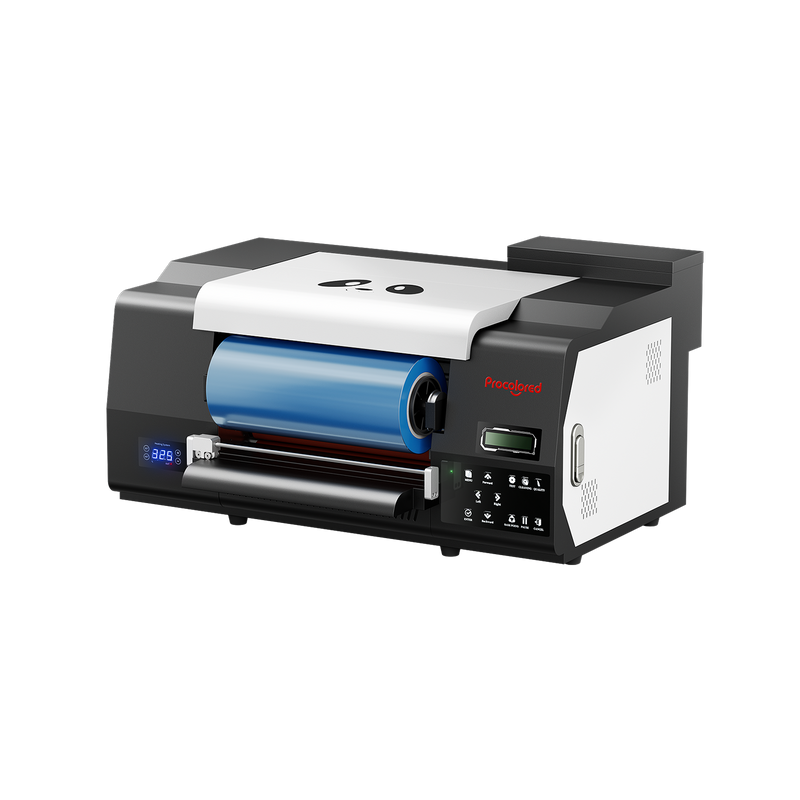
A dedicated print-and-laminate machine for recurring transfer orders.
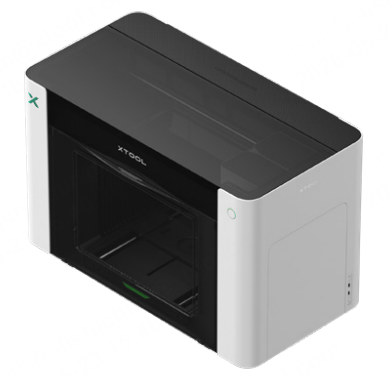
Three versions for shops deciding whether to add specialty UV effects or a separate fabric workflow.