Procolored V6 Panda
Check price at Procolored ↗Procolored US
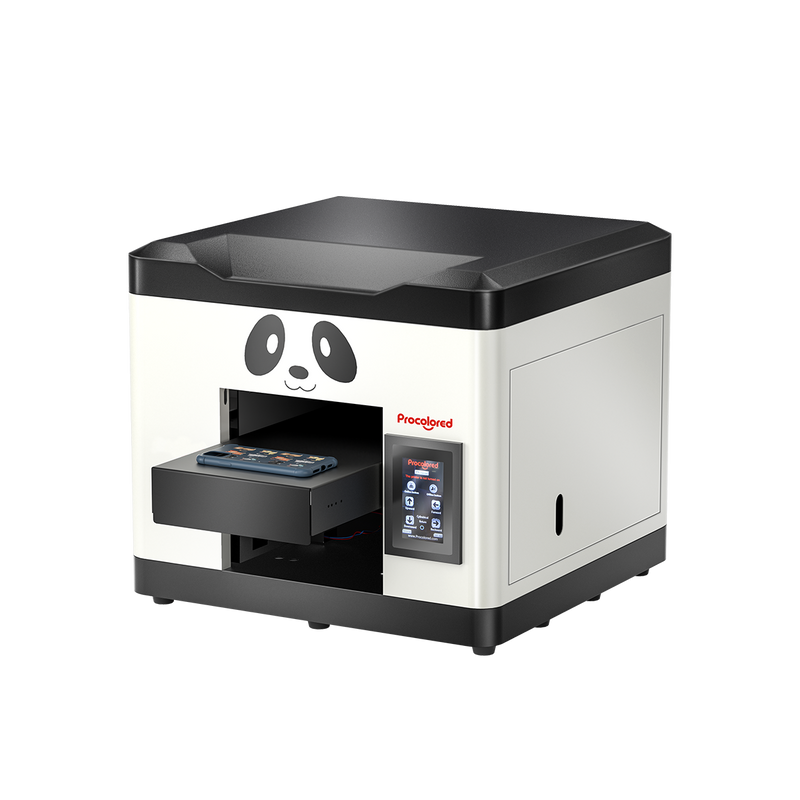
Direct UV / Procolored
An A4-class flatbed for operators who need more width than the V4.
Choose a configuration
Independent buying guide. We may earn a commission through purchase links.
Before you shortlist
Check how many blanks fit the usable area and compare the per-job setup time with a wider flatbed.
An A4-class flatbed for operators who need more width than the V4.
The manufacturer lists starter CMYKW ink, preparation coatings, cleaning supplies, RIP software and a USB dongle. Its listed RIP requirements include Windows, at least 50 GB on the C drive and 8 GB RAM. Check the live selected package and current software requirements before ordering.
Use the V6 as the A4-class option in a fixture layout comparison. Lay out the actual cases or plaques at working spacing, then compare loading time with a wider flatbed. Choose a jig by its compatibility and the blank’s shape; a general accessories picture does not establish that a fixture is included.
Read the current maintenance instructions and identify which cleaning and protection supplies are required. Keep a daily production log with startup, cleanup and rejected pieces. Ask the supplier for the approved idle procedure for your schedule. A starter ink set is an initial supply rather than a forecast of ongoing cost.
Manufacturer information checked November 23, 2026. The guidance above is a buying assessment based on documentation.
Manufacturer package and operating informationCheck current Procolored offers →
| Field | Manufacturer information |
|---|---|
| Workflow | Direct UV |
| Model | Procolored V6 Panda |
| Configuration details | 6.7-inch A4-class UV flatbed, single L800 head. |
Verify the exact configuration and workspace requirements in the manufacturer documentation.
Check how many blanks fit the usable area and compare the per-job setup time with a wider flatbed.
Plan around the material, usable bed, fixture and selected finish. Test a blank before batch production.
See the phone-case workflowConfirm the footprint, software requirements, cleaning routine, lead time and U.S. warranty terms for the version you choose.
Manufacturer documentation ↗Confirm the exact contents of the selected package, including initial supplies, fixtures and software access.
We may earn a commission from qualifying purchases through these links. Confirm current price and availability at checkout.
Procolored US
Confirm the part number and compatibility with the manufacturer before buying replacement ink, film or fixtures.
Browse suppliesCheck how many blanks fit the usable area and compare the per-job setup time with a wider flatbed.
Use manufacturer documentation to confirm the configuration, included accessories and U.S. warranty terms.

A desktop starting point for textured flat goods, with optional workflows for cylindrical pieces and transfers.
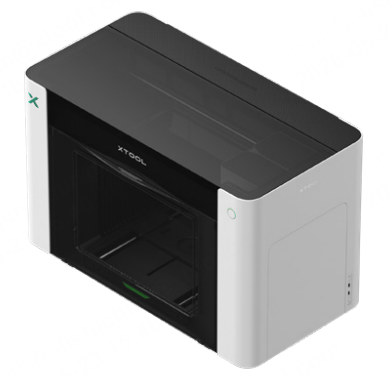
Three versions for shops deciding whether to add specialty UV effects or a separate fabric workflow.
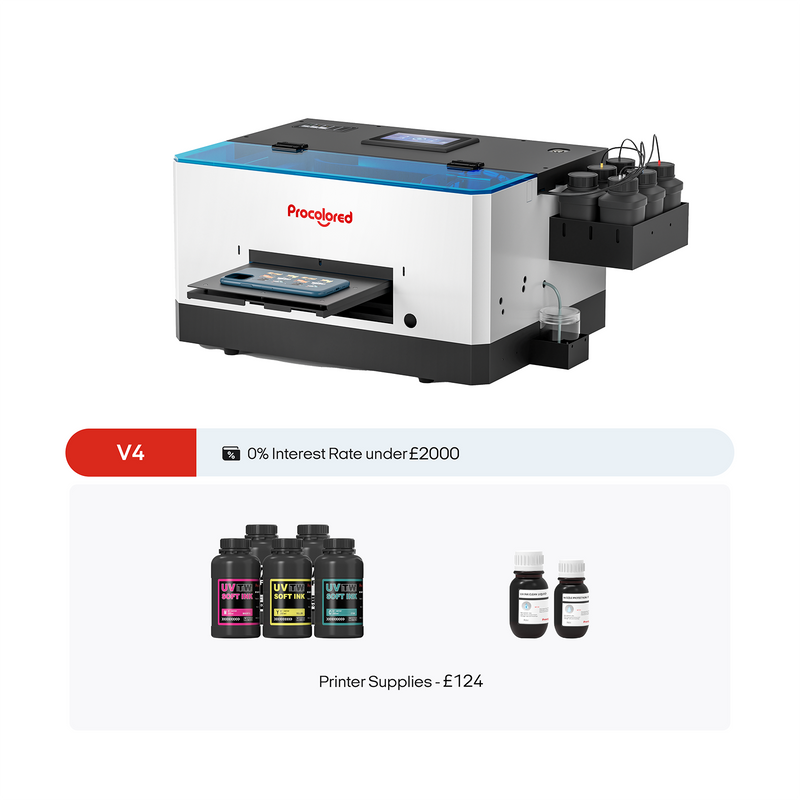
A compact flatbed to evaluate for single small items and short runs.