Application / 04
UV Printing for Phone Cases
Compare direct UV and UV DTF for short-run phone case orders.
By The UV Print Guide · Updated · How we compare equipment
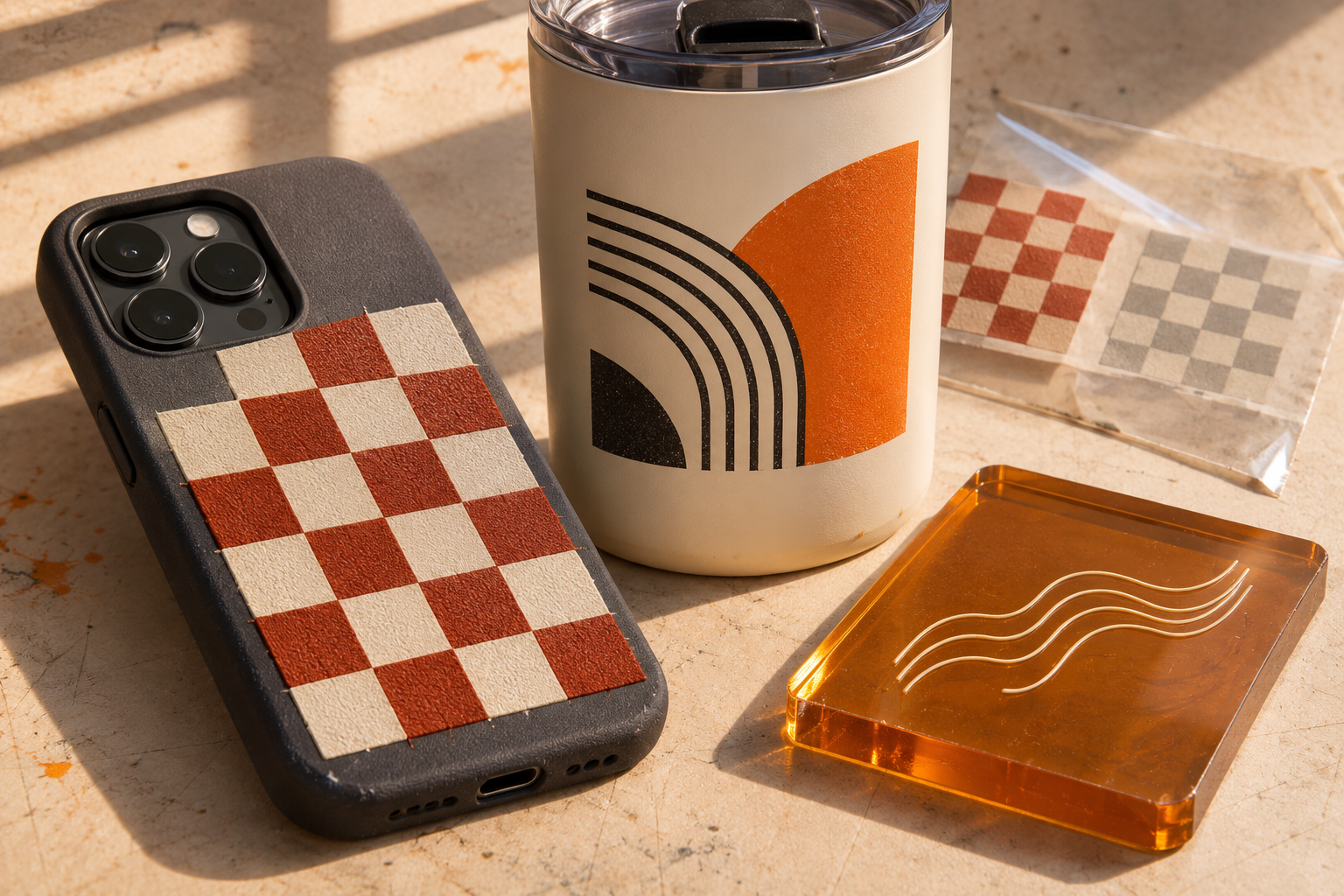
Compare phone-case workflows
| Decision | Direct UV | UV DTF transfer |
|---|---|---|
| Holding and alignment | Fixture and level printing area | Manual transfer placement |
| Preparation | Follow blank and printer instructions | Follow blank and transfer instructions |
| Production timing | Setup, load, print and unload | Print or order, trim and apply |
| Typical trial observations | Alignment, adhesion and edge clearance | Placement, trapped air and edge behavior |
| Cost records | Blank, ink, cleaning, labor and rejects | Blank, transfer, application labor and rejects |
Test the exact case
Record the polymer, finish and whether the back is flexible. Start with one blank from your intended supplier, then test on the actual production lot. Check that camera openings, raised edges and artwork placement line up consistently.
Direct UV
A flatbed needs a fixture that keeps the back level and the camera area in the same place on each print. Follow the maker’s material and preparation guidance. Compare setup and loading time with how many pieces fit on the bed.
UV DTF
Print or order a transfer, position it on the blank and apply it by hand. Evaluate how the transfer behaves around edges and over the surface texture. Time the application step and count misalignment, trapped air and rework.
Make the purchasing decision
Compare ten of the same case with the same artwork before investing. Log print or transfer cost, setup time, placement time, rejects and packaging. Scale up only when the process meets the finish and consistency your customers need.
Identify the case material and printable area
Ask the blank supplier to identify the back panel and the flexible perimeter separately. A composite case can have different materials in those areas. Record the surface finish, coating, camera lip and usable flat area. Material names alone do not establish adhesion. Obtain preparation guidance for the exact blank and ink combination, then validate it on your intended production lot.
Use a ten-piece trial record
For each of ten identical blanks, record the artwork, material batch, preparation method, fixture position, print mode or transfer source and operator time. Count misalignment, trapped air, damaged edges and pieces that need rework. Keep a photograph of each finished case and note when observations were made. Ten pieces provide an initial process check, not proof of long-term durability.
Inspect the areas customers handle
Inspect the camera opening, curved edges, corners and the transition between rigid and flexible parts. Check that the decorated case still fits the intended phone and that buttons and openings remain usable. Any statement about scratch resistance, cleaning products or long-term wear needs defined test conditions. Ask the material and ink makers for suitable procedures before claiming a service life.
Price a sellable case
Illustrative order: ten blanks cost $20, printing or purchased transfers cost $6 and allocated preparation costs $4. If nine pieces are sellable, materials and preparation total $30 / 9 = $3.33 per case, rounded. Add packaging, labor, delivery and equipment costs. Replacing the denominator with ten would hide the rejected piece. This is a budgeting example, not a quote or measured printer result.
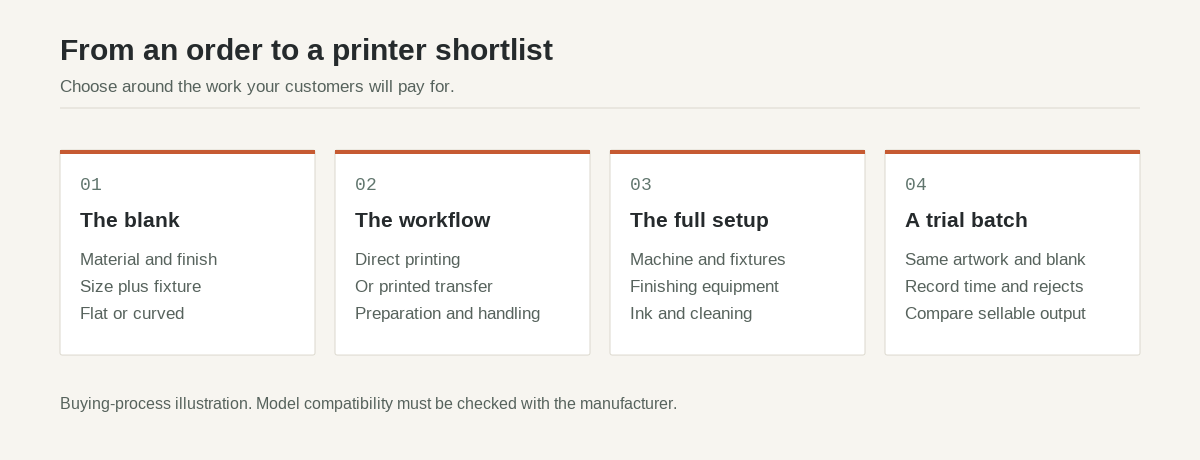
Equipment at a glance
Choose equipment for your next order
We may earn a commission through purchase links on these product pages. Compare the workflow and required supplies before ordering.
Flat phone cases and acrylic
Compare the A4-class V6 if a compact flatbed fits your blanks and fixtures. Measure the whole fixture and test adhesion before batching.
Compare Procolored V6 Panda and purchase options →Larger flat batches
Compare the V11 Pro for its wider working area and varnish workflow. Calculate how many saleable pieces fit per batch, including loading time.
Compare Procolored V11 Pro and purchase options →Recurring hard-goods transfers
Compare the dedicated VF13 Pro for repeat UV DTF orders. Include A/B film, application labor and rejects in your costs.
Compare Procolored VF13 Pro and purchase options →Equipment to compare

A desktop starting point for textured flat goods, with optional workflows for cylindrical pieces and transfers.
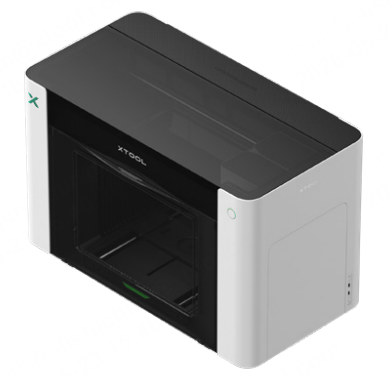
Three versions for shops deciding whether to add specialty UV effects or a separate fabric workflow.
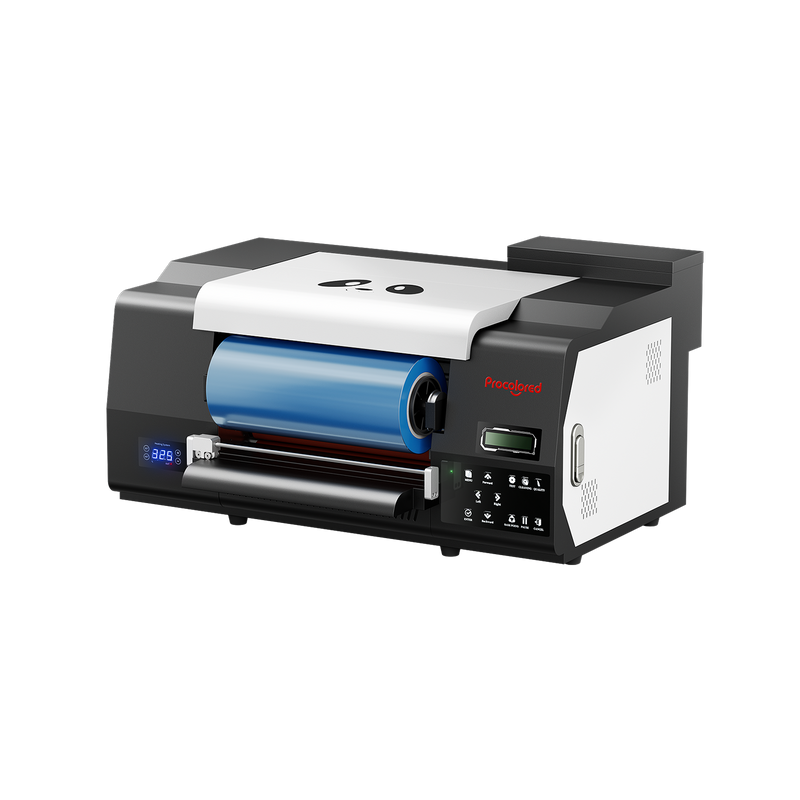
A dedicated print-and-laminate machine for recurring transfer orders.